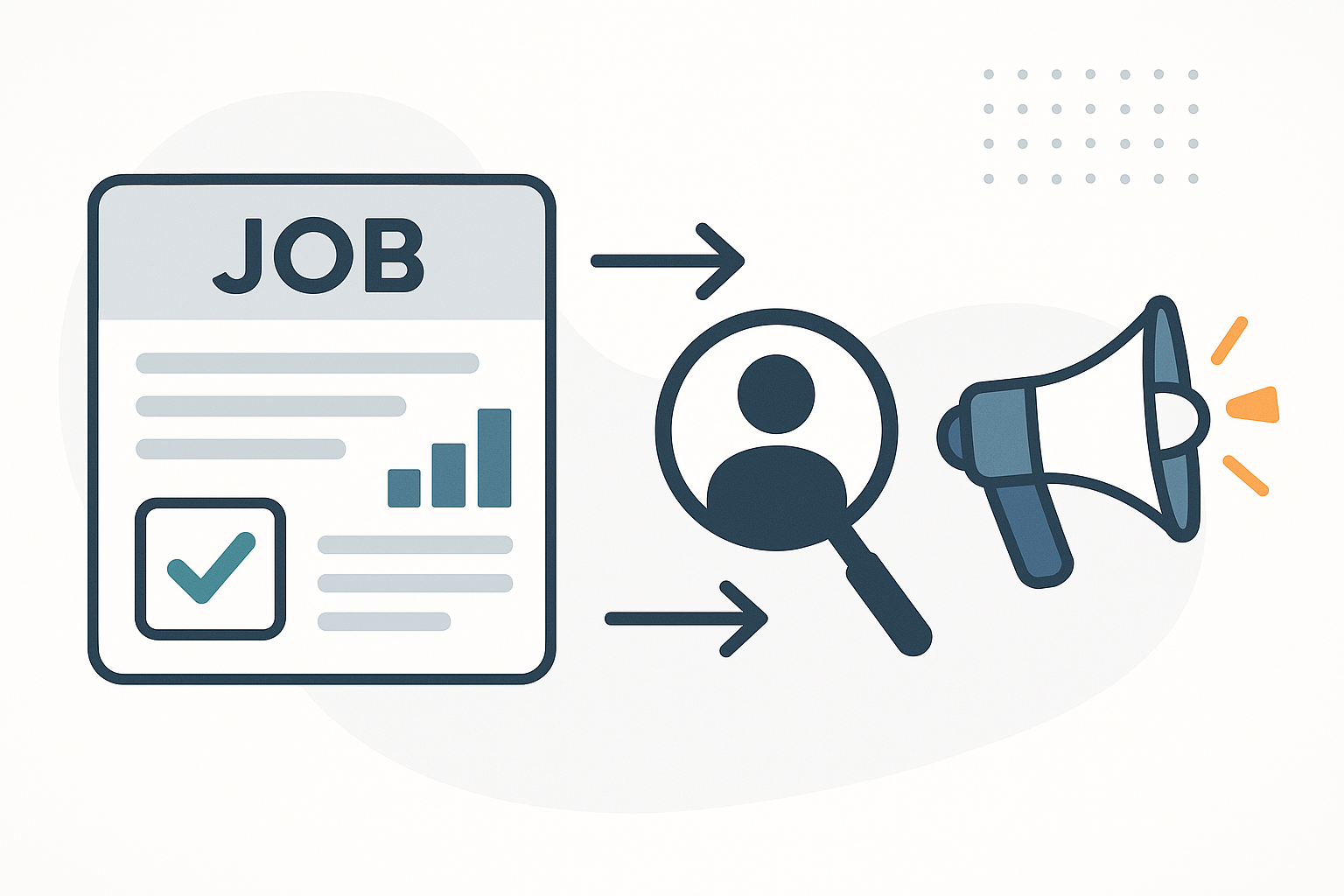

You posted one role and got 90 resumes. They're sitting in three places: 40 PDFs in an email folder, a dozen screenshots someone forwarded over Slack, and a stack of printed CVs from a job fair. You open the first PDF, skim for years of experience, jot a note on a sticky pad, open the next one. By resume 15 you've forgotten what you liked about resume 3. By the end of the week you're comparing candidates from memory and a gut feeling, which is exactly how good people get skipped and bad fits get hired.
CareerBuilder has reported that 74% of employers admit to a costly bad hire, averaging over $15,000 each. The fix isn't a six-figure ATS with a team to run it. The fix is structure: the same criteria applied to every candidate, in one place you can sort and compare. That's the Talent Pool Framework, and you can stand it up in an afternoon.
You don't build the tracker. You describe it.
Here's the shift. The old way to get a hiring board was to create it column by column: add a "Name" field, add an "Experience" field, decide on a "Score" dropdown, set up a "Stage" view, wire in a formula. Tedious, and you'd put it off until the resumes piled up.
In Dotallio you describe the outcome in plain language and it assembles the whole thing for you — the board, the right column types, sample rows, and the views to compare candidates. Then you drop your actual resumes in and it reads them. No setup tax. You go straight to the part that matters: deciding who's worth a conversation.
And everything Dotallio builds is a live, editable artifact. The board, the scoring doc, the candidate summaries — you can revise them, roll back a version, and share them with your hiring panel by link.
A real session: from messy resumes to a ranked shortlist
Here's what an actual working session looks like. You type; Dotallio builds.
Start with the structure. You tell the chat what role you're hiring for:
Create a candidate tracker for a Senior Customer Success Manager role. Columns for name, contact, years of experience, key skills, current company, a fit score 1-10, a stage (New / Screening / Interview / Offer / Rejected), and a notes field. Add a board view grouped by stage.
Dotallio creates the board with the correct column types — a number field for experience, a multi-select for skills, a single-select for stage, a rating-style field for the fit score — plus sample rows so you can see the shape immediately. It's a real board, not a mockup.
Now feed it the resumes. This is where vision OCR earns its place. Snap photos of the printed CVs, drag in the PDFs, paste the screenshots:
Here are 18 resumes — read each one and fill in a row: name, email, years of experience, top skills, and current company.
Dotallio reads each document, even the photographed ones, and structures them into rows. Names, emails, employers, and skills land in the right columns. The whiteboard-grade messiness of "I have these in four formats" stops being your problem.
Define what "good" means, in writing. Pull your job description in and let Dotallio turn it into a scoring rubric you can actually apply:
Based on this job description, create a doc that defines our must-have skills, nice-to-haves, and a 1-10 scoring rubric. Then score every candidate on the board against it.
You get a versioned doc with the rubric spelled out — so your whole panel evaluates against the same bar — and an AI-filled fit score column that rates each candidate against it. No more "I think she seemed strong." Strong against what, exactly? Now it's on the page.
Standardize the interviews. Inconsistent questions make candidates impossible to compare. Fix it once:
Draft a structured interview guide for this role: five behavioral questions, three role-specific questions, and a simple scoring sheet for each.
That's another editable doc your interviewers share, so every conversation produces comparable data instead of a vibe.
Keeping the pool alive, not frozen
A talent tracker that's accurate for one day and stale for a month isn't worth much. This is where Dotallio's Smart Workflows and AI columns do the ongoing work.
Enrich the rows you care about. For your shortlist, let the AI fill a whole column at once with live web research:
For everyone in the Interview stage, research their current company and add a one-line summary of what it does and its size.
The AI runs the research, enriches each row, and writes the result back into a new column — in bulk, not one Google search at a time.
Flag the standouts automatically. A Google Sheets-style formula keeps your view honest. Add a column with IF({Fit Score} >= 8, "Priority", IF({Fit Score} >= 6, "Maybe", "Pass")) and your board sorts itself into tiers the moment scores land. Combine it with conditional formatting so priority candidates light up.
Trigger work when it matters. Smart Workflows run on demand, from a button, or from a board event — for example, when a candidate moves to the "Offer" stage, kick off a workflow that drafts the offer summary and a recap doc for the panel. It's there when you press the button or trip the trigger, not running blind while you're away.
Because every artifact is versioned, you can revisit a candidate summary, roll back an over-edited rubric, or set a shortlist doc to a workspace-visible link so the hiring manager sees exactly what you see.
The payoff, in one hiring cycle
Picture the next time the same flood arrives. Ninety resumes across four formats. You drop them all into one chat, Dotallio reads them into a structured board overnight's worth of manual work compressed into a few minutes, scores them against your written rubric, and surfaces a ranked shortlist with company context already attached.
You walk into the panel meeting with a board grouped by stage, a fit score on every row, a shared rubric everyone evaluated against, and a structured interview guide. The conversation stops being "who did you like?" and becomes "here's the data — who moves forward?" The person who interviews smoothly but doesn't meet the bar no longer coasts through on charm, and the quietly excellent candidate buried at resume 71 actually gets seen.
That's the difference between hiring on impressions and hiring on evidence — and you got there without an ATS, an ATS budget, or an ATS team.
Why this beats the old way
- No manual setup. You describe the tracker; Dotallio builds the board, columns, and views for you.
- Resumes read themselves. Vision OCR pulls names, skills, and experience out of PDFs, screenshots, and photos of printed CVs.
- One consistent bar. A versioned rubric doc plus an AI-filled fit score means every candidate is judged the same way.
- The pool stays current. Smart Workflows and AI columns enrich rows with live web research and fill whole columns in bulk.
- Formulas do the triaging. Google Sheets-style
IFand conditional formatting sort your candidates into tiers automatically. - Everything is shareable and reversible. Boards, rubrics, and interview guides are versioned artifacts you can edit, roll back, and share by link.
Get your talent pool out of your inbox
You already have the resumes. What you've been missing is the structure to evaluate them fairly and fast — and the tooling has been too heavy for a small team to bother. Dotallio removes the setup entirely: describe the tracker, drop in the documents, and start comparing real candidates against a real rubric the same afternoon.
Ready to stop hiring from memory? Try Dotallio Free and turn your next pile of resumes into a ranked, evidence-backed shortlist.