Picking a logo usually goes like this. You hire a designer, wait a week, and get three concepts. Two are wrong, one is close. You ask for revisions, wait another week, and now you're staring at six PNGs scattered across email threads, a Slack channel, and your desktop. You can't line them up side by side. You can't remember which version had the mark you liked with the color you didn't. By the time you decide, you're exhausted and you settle.
Traditional concept design runs anywhere from $300 to $2,500 per logo, and the bottleneck isn't money — it's iteration speed. When every variation costs a week, you never see enough options to actually know what you want.
So you settle for "fine." Your brand deserves better than fine.
You don't design it. You describe it.
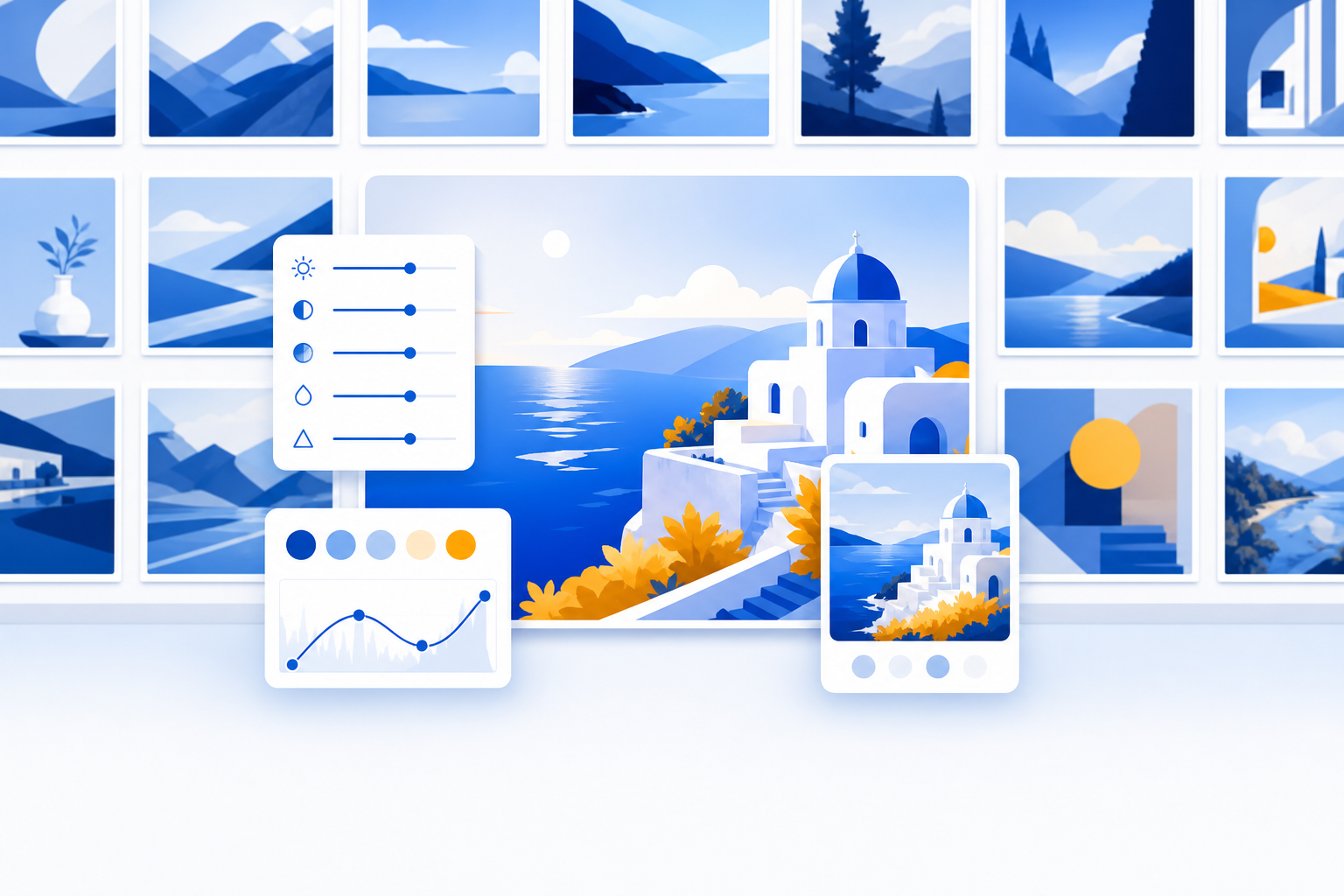
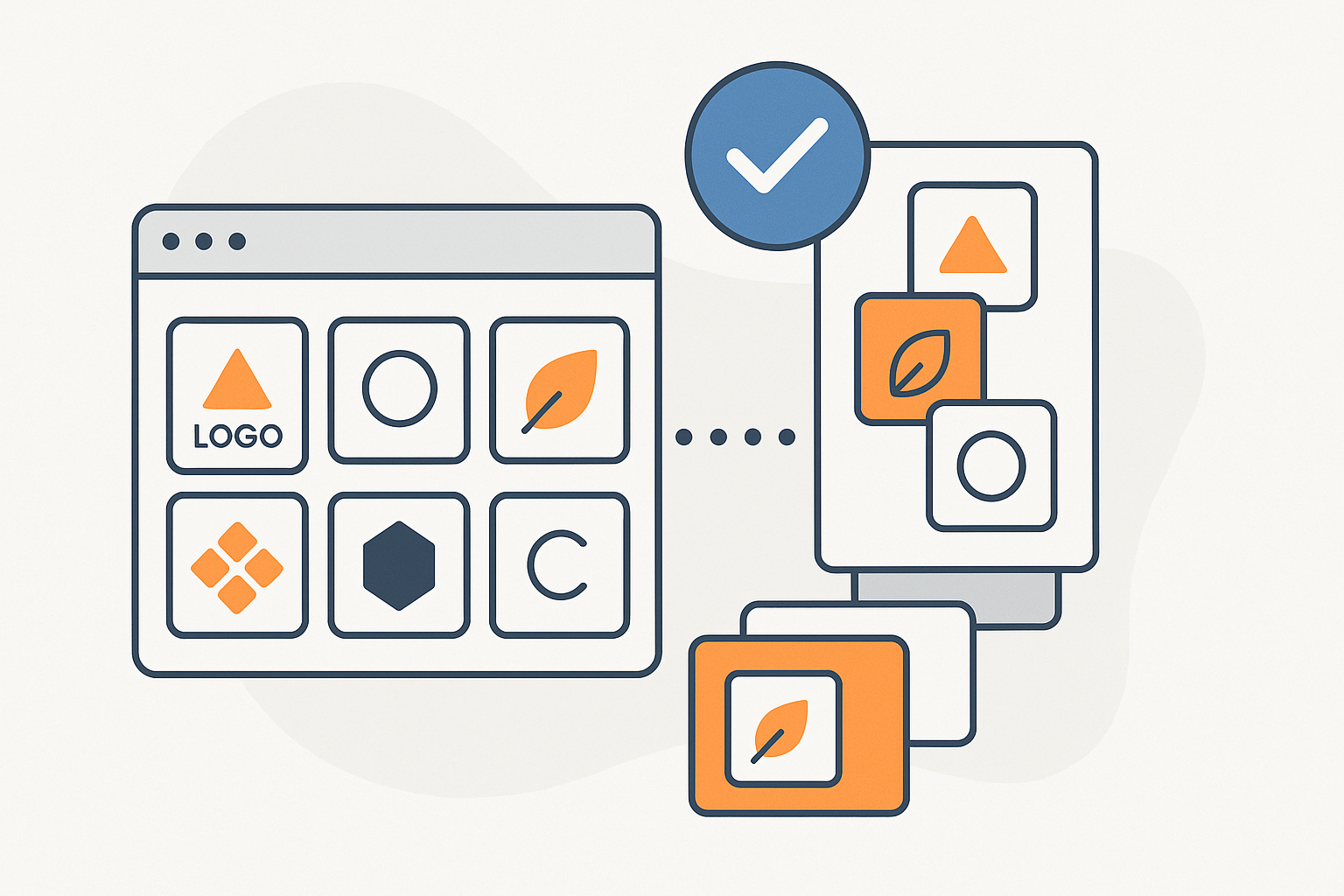
Here's the shift. The old way to explore logo concepts was to commission them one at a time. The new way is to describe the brand you're building and let Dotallio generate a whole gallery of concepts in minutes — then keep every one of them organized in a board you can sort, tag, compare, and refine.
You're not opening a design tool and pushing pixels. You type what your brand is about, and Dotallio's image generation produces dozens of directions across styles, marks, and palettes. Each image lands as an editable, version-controlled artifact, organized in a real board with the styles, colors, and notes attached. Nothing gets lost. Everything stays alive.
A real session: from one sentence to 100+ concepts
Open the chat and describe what you're building. Here's the kind of prompt that kicks it off.
Create a logo concepts board for "Northwind", a small-batch coffee roaster. Columns for concept name, style direction, color palette, the generated logo image, and my rating. Add a notes column for feedback.
Dotallio builds the board for you — the right column types already in place, including an image column for the logos and a rating column for your shortlist. No manual setup, no dragging columns around. Now fill it.
Generate 20 minimalist wordmark logos for Northwind coffee — clean sans-serif, warm earth tones, square format. Put each one in the board with its style noted.
A batch of minimalist wordmarks appears, each one a real image artifact dropped into its own row with the style direction labeled. Want a different direction? Just ask for it.
Now 20 more, but illustrative this time — a stylized coffee bean or mountain mark, deep green and copper, vintage feel.
Then keep going across every direction you're curious about.
Add 20 monogram concepts using the letters N and W, geometric and modern, single color so they work on packaging.
In a few rounds of chat you've got 60, 80, 100+ concepts sitting in one board — not in your inbox, not on your desktop, but in rows you can sort by style, filter by palette, and rate one through five. The painful part of logo exploration was never generating ideas. It was keeping them straight. That part is now handled.
Refine without starting over
A gallery is only useful if you can act on it. This is where the board earns its keep.
Found three you love? Rate them five stars and filter the board down to just your shortlist. Want to see one of them in a different color without regenerating the whole batch? Use AI image editing on that single artifact — recolor it, tweak the mark, adjust the weight — and the edited version is saved as a new version of the same artifact. Roll back if the change was wrong. Nothing is destructive.
You can also let the board do work for you. Add an AI-filled column that writes a one-line rationale for each concept — "why this mark fits a coffee roaster" — and fill the whole column in bulk so every row carries its own reasoning. Add a formula column in plain Google Sheets syntax to score concepts: =IF({Rating}>=4, "Shortlist", "Archive"). The board sorts itself into keepers and rejects.
And because every logo is a versioned artifact, you control who sees it. Keep the gallery private while you decide, share it with your workspace so a co-founder can rate alongside you, or publish a public link to collect opinions from a few trusted customers — all without exporting a single file.
Snap a reference, skip the description
Sometimes you can't describe the vibe — you just know it when you see it. Dotallio's vision OCR and image understanding work here too. Have a competitor's packaging, an old logo, a moodboard photo, or a napkin sketch? Drop the photo into chat.
Here's a photo of my current logo and a competitor I admire. Generate 15 concepts that feel modern like the competitor but keep the bird mark from mine.
Dotallio reads the image, pulls the elements you pointed at, and generates a fresh batch grounded in real references instead of a vague text prompt. The new concepts land in the same board next to everything else.
A real-life scenario
Maya is launching a small skincare line and has two days before she meets her packaging printer. The old path — brief a designer, wait, revise — doesn't fit the calendar.
Instead she opens Dotallio and describes the brand: botanical, calm, refillable glass, sage and cream. In one afternoon she generates 90 concepts across wordmarks, leaf-mark illustrations, and minimal monograms, all organized in a board with palettes tagged and ratings applied. She filters to her eight favorites, uses image editing to test two of them in a single-color version for embossing, and publishes a public link.
She texts the link to four customers from her waitlist. By morning she has votes, picks the winner, exports the final image, and walks into the printer meeting with a logo, a palette, and a packaging-ready single-color version. No design retainer, no week of waiting, no scattered files.
Why this is better
- Volume without chaos — generate 100+ concepts in minutes and keep every one organized in a board you can sort, filter, tag, and rate, instead of scattered across email and your desktop.
- No manual setup — describe the gallery you want and Dotallio builds the board, columns, and image rows for you.
- Every concept is a versioned artifact — edit, recolor, and refine any logo with AI image editing; roll back bad changes; nothing is ever lost.
- The board works for you — AI-filled columns write rationales in bulk, and Google Sheets-style formulas sort keepers from rejects automatically.
- Real references, not guesswork — drop in a photo or a competitor's mark and generate concepts grounded in what you actually showed it.
- Share on your terms — keep a gallery private, share it with your workspace, or publish a public link to gather votes — no file exports required.
Start your gallery
Your next logo shouldn't be a compromise you reached out of exhaustion. It should be the one concept you chose confidently after seeing a hundred directions, organized and ready to compare. Describe your brand in a sentence, and let Dotallio assemble the gallery — then keep it alive as your brand grows.
Try Dotallio Free and generate your first 100 logo concepts today.