You typed a prompt into a chat box, got back one image, decided the lighting was off, and re-typed the whole thing. The next image was different in ways you didn't ask for. You did it five more times. Then you screenshotted the one you liked, dragged it into a doc, and lost the other good versions forever — along with the prompt that made them.
That's the real problem with firing one-off prompts at ChatGPT, DALL-E, or a raw image API. The model is fine. The workflow around it is a dead end: one lonely image, in a chat you'll never find again, with no way to refine it, organize it, or reuse it.
Let me be honest about what's actually better here. The image studio in Dotallio doesn't claim to push objectively sharper pixels out of the underlying model. The win is everything wrapped around the image — prompt enhancement so you don't need prompt-engineering skill, batches so you compare instead of guess, editing and references so you iterate instead of restart, and a gallery that keeps every result organized, versioned, and ready to drop into your real work.
You don't engineer the prompt — you describe the picture
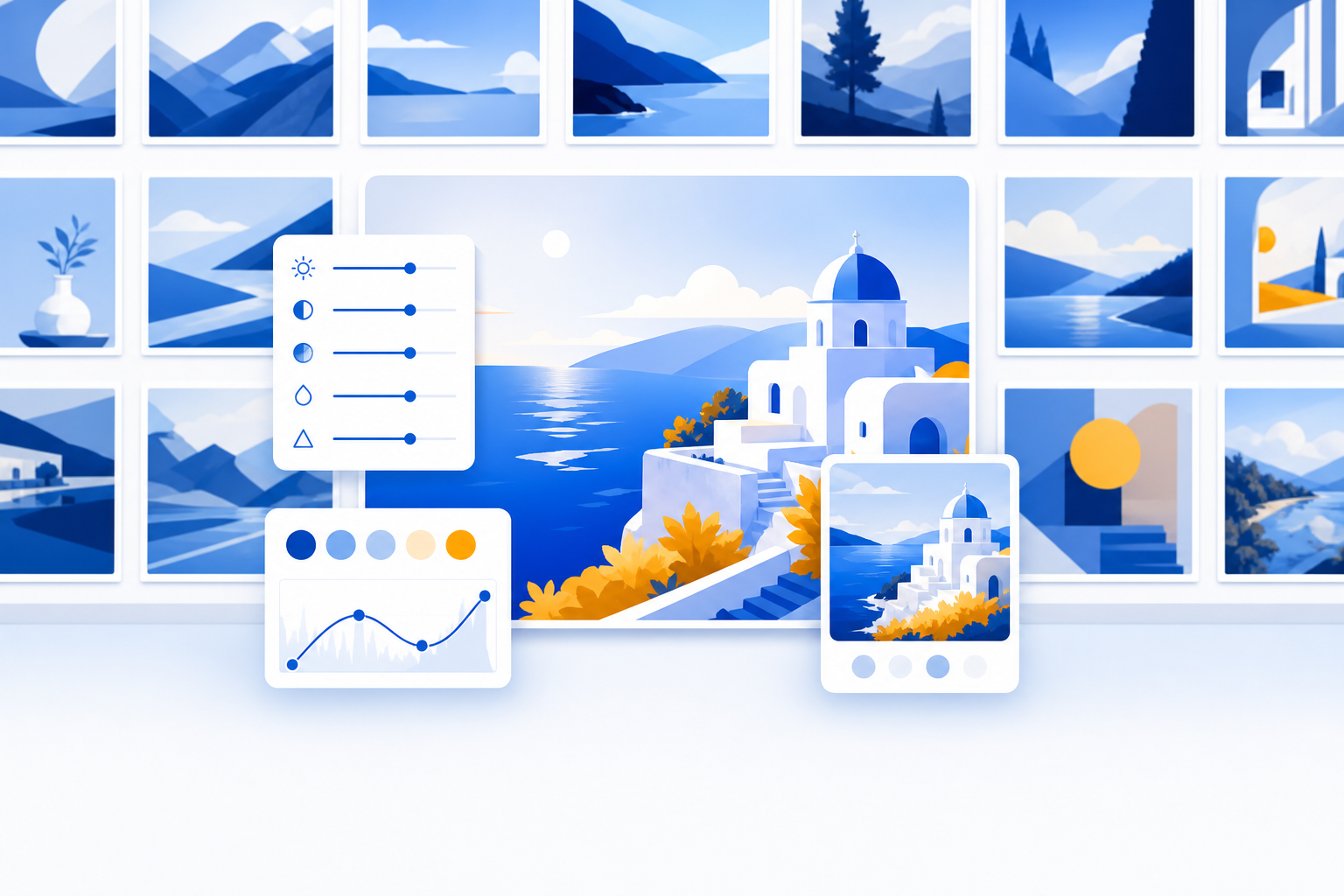
Here's the shift. You describe what you want in plain language. Dotallio expands it into a strong, detailed prompt for you, generates several options at once, and saves every one as an editable artifact in a board gallery you actually keep.
You stop being a prompt engineer. You become an art director who points and refines.
Let me show you a real session.
A real session: from a sentence to a usable set
You're building a landing page for a calm, premium meditation app. You open chat and type plainly:
Generate a hero image for a meditation app — calm, premium, soft morning light, a person on a balcony overlooking mountains. Photographic style, 16:9.
You didn't write "shot on 85mm, golden hour, shallow depth of field, muted teal-and-amber palette, cinematic grain." Dotallio's prompt enhancement added the craft for you. You picked the photographic preset and a 16:9 aspect ratio from the presets, and you got a batch of options back — not one image you have to accept or re-roll, but several to compare side by side.
One of them is almost perfect, but the sky is too busy. Instead of starting over, you use AI editing on that exact image:
Keep everything the same, but make the sky a clean soft gradient and warm up the light slightly.
Now you need a matching set for the feature section, in a different look. You switch the style preset and ask:
Three isometric illustrations of app features — a breathing timer, a sleep tracker, a streak calendar. Same muted palette as the hero. Isometric style, square.
You get three on-brand illustrations in one go. Every image — the hero, the edited version, the three icons — lands in your image gallery board as a versioned artifact. Nothing is lost in a scroll-back.
A week later your designer sends a brand mood board. You drop it in as a reference image and ask:
Regenerate the hero in this reference's color grade and mood.
Same composition, new brand-correct grade. You didn't rebuild the prompt — you fed a picture and let the studio match it.
Generate from your real data, not a blank box
Because the studio lives inside your workspace, you can generate images from your work, not from a cold prompt box.
Say you run a board of products with names and descriptions. You can fill an image column for the whole board in bulk:
For each product in this board, generate a clean studio product shot on a white background, square, photographic.
Every row gets its own image, generated from that row's real fields, dropped into the cell as an artifact. That's not something a one-off chat can do — it has no idea your product catalog exists.
You can also point Dotallio at a picture and pull text out of it. Vision OCR reads a screenshot, a receipt, or a handwritten note and turns it into structured text or board rows:
Read this whiteboard photo and turn the action items into a checklist.
One studio: generate images, edit them, reference them, and read them.
Why it stays useful: versioned, organized, reusable
The reason this beats a chat thread is what happens after the image exists.
Every image you make is a versionable artifact. Edit a version, roll back to an earlier one, or branch a new direction — your earlier results don't vanish the moment you tweak the prompt. You set visibility per image too: private, shared with your workspace, or a public link.
They're auto-organized into a board gallery. You tag images ("hero", "social", "icon"), rate the keepers, and filter to find the one you made three weeks ago in four seconds — instead of scrolling a chat history that has no search worth using.
And they're reusable everywhere. Drop a generated image straight into a doc, a slide, or a board cell. The hero you made today becomes the cover of next month's pitch deck without a single re-download. The product shots feed your catalog board, your quote PDFs, and your marketing one-pager from the same source.
Compare that to the OpenAI path: a good image, sitting alone in a conversation, disconnected from your docs, your data, and your team. You'll re-generate it next month because you can't find it.
A short scenario: launch week
You're three days from launching a feature. Marketing needs a hero, six social cards in two aspect ratios, and three blog illustrations — all on the same palette.
In a one-off-prompt world, that's an afternoon of re-typing prompts, manually keeping the palette consistent, screenshotting winners, and naming files hero-final-FINAL-v3.png.
In Dotallio, you describe the hero once, batch the social cards from the same enhanced prompt at two aspect ratios, switch the preset for the blog illustrations, and tag everything launch. When legal asks you to swap one card's copy, you AI-edit that single artifact — the other five are untouched. Everything is already in the gallery, already shareable by link, already droppable into the launch doc and the deck.
You didn't manage files. You art-directed a set, and the studio kept it alive.
Why this is better than one-off prompts
- No prompt skill needed. You describe plainly; prompt enhancement adds the craft and writes the strong prompt for you.
- Options, not gambles. Batches give you several results to compare instead of one image you have to accept or re-roll.
- Presets that match the job. Photographic, digital art, cinematic, isometric, and more, with aspect ratios for hero, social, and square — chosen, not hand-typed.
- Iterate, don't restart. AI editing and reference images refine an existing image instead of rerolling a fresh prompt.
- Nothing gets lost. Every image is a versioned artifact in a searchable gallery you can tag, rate, filter, roll back, and reuse.
- Wired into your work. Generate from real board data, drop results straight into docs, slides, and boards, and read images back with vision OCR.
- Honest about the model. The pixels come from a capable image model — the advantage is the studio around it and the better results you get through enhancement and iteration.
That last point matters. A one-off prompt gives you a picture. Dotallio gives you an organized, editable, reusable image studio that lives where your actual work lives — and Dot's happy to art-direct alongside you.
Describe the image you want, get a batch of strong options, refine the one you love, and keep all of it. Try Dotallio Free.