
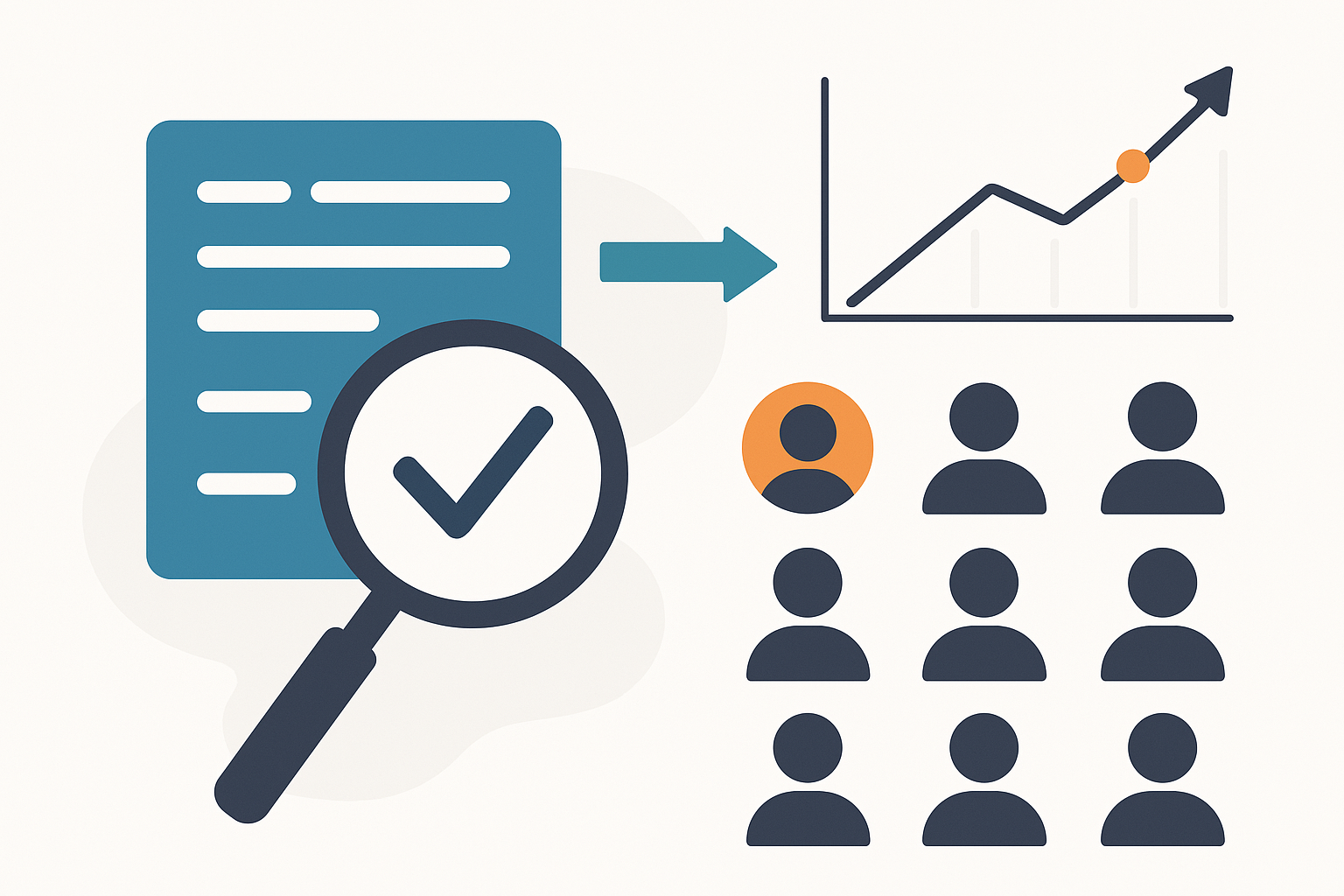
You have a list of 50 decision-makers and a pitch on Thursday. So you do what everyone does: open the first name in a tab. Then their LinkedIn in another. Then their company's news page. You copy a job title into a spreadsheet, paste a recent funding headline, lose your place, and start again on name two. Forty minutes later you're on prospect six, LinkedIn is warning you that you've "viewed too many profiles today," and the spreadsheet looks like a ransom note.
HubSpot has reported that salespeople burn close to a third of their day on non-selling busywork — and manual prospect research is a big slice of it. The problem was never that you research badly. It's that you're doing the structuring, the searching, and the writing all by hand, one tab at a time.
The 50/60 method flips that: 50 decision-makers, researched in under a minute, because you stop building the system and start describing it.
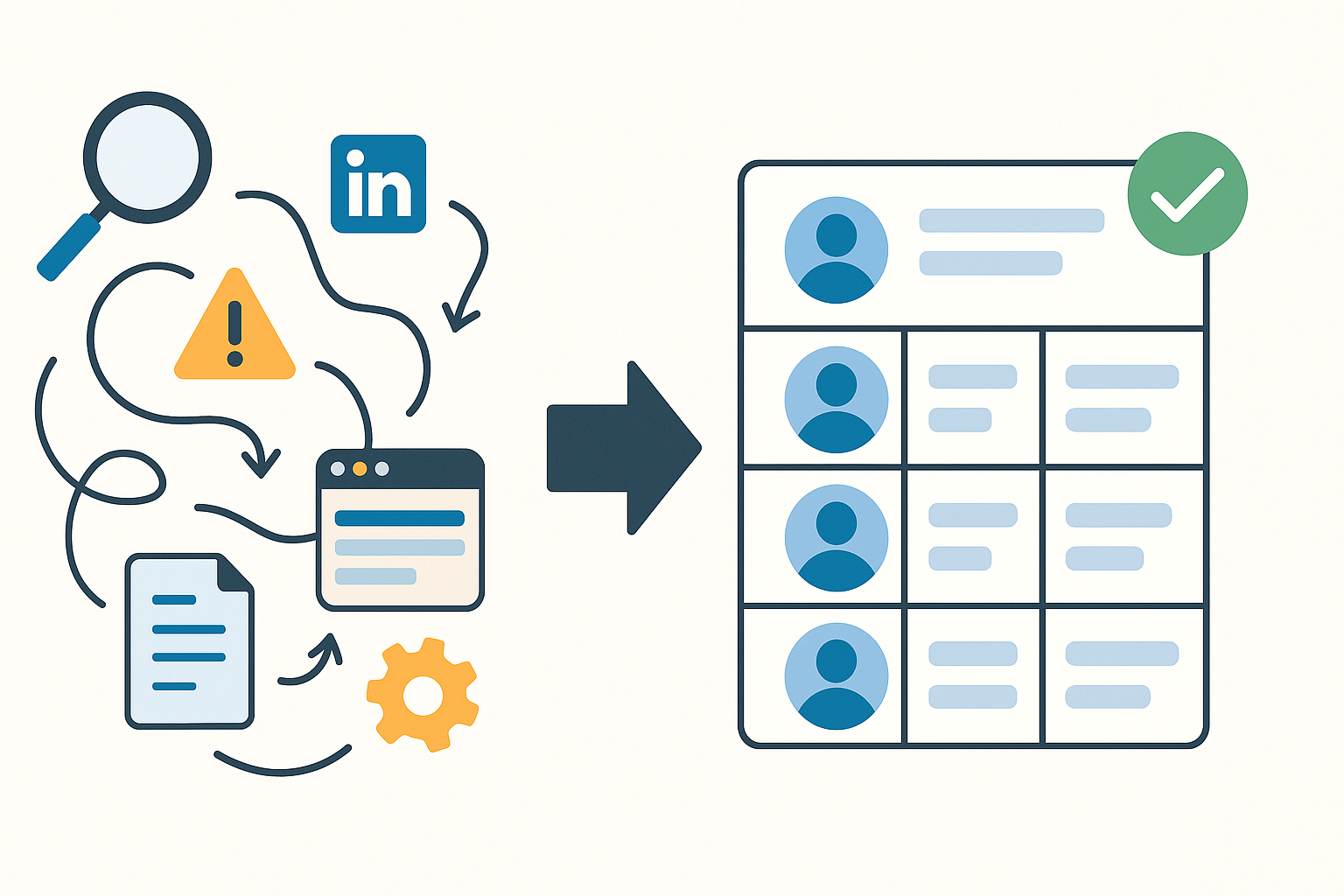
You don't build the research tracker. You describe it.
Here's the shift. The old way of using a tool like this was: create a board, add a "Name" column, add a "Company" column, add a "Title" column, add a "Recent News" column, add a scoring column, set up the views, then start filling it in. That's setup work before you've researched a single person.
In Dotallio you skip all of that. You tell the chat what you're trying to do in plain language, and it assembles the board, picks the right columns, drops in your prospects, and stands up the views — then runs the actual research for you. Everything it makes is a real, editable artifact: a live board you can sort and filter, a doc you can rewrite, a PDF you can send. Nothing is a screenshot or a dead export. You describe it once, and it stays alive.
A real session: from a list to 50 enriched profiles
Here's what the 50/60 method actually looks like in the chat. Type a sentence, get an artifact back, then keep going.
1. Stand up the intelligence board.
Create a decision-maker research board for my outbound. Columns: name, company, title, seniority, company size, recent news, top priority, why-they'd-care, and a 1-5 fit score. Add a board view grouped by fit score.
Dotallio builds the board with those columns typed correctly — seniority and fit score as select/number fields, recent news and why-they'd-care as long text — and creates the grouped view. No column-by-column clicking. You now have the framework, generated from one sentence.
2. Drop in the 50 people.
Here are 50 names and companies, paste-formatted. Import them as rows and match the columns.
Paste a messy block, a CSV, or even a screenshot of a list — Dotallio reads it, structures it, and fills the name and company columns for all 50 rows. If you snap a photo of a printed attendee sheet or a badge wall from a conference, vision OCR pulls the names out of the image and into rows.
3. Enrich every row with live web research.
For every row, research the person online and fill in their title, seniority, the company's most recent news, and their likely top business priority. Cite where it's relevant.
This is where Smart Workflows do the heavy lifting. At a higher "smart" level the AI plans the work — research, then generate, then write back — and runs live web research per row. It fills the whole column in bulk across all 50 people, not one at a time, and writes the findings straight into the cells. You watch the board populate instead of populating it yourself.
4. Turn data into a pitch angle.
For each person, write a one-line "why they'd care" opener tying their recent company news to a problem we solve, and set the fit score 1-5.
Now the board isn't just facts — it has an angle per prospect. The fit score lets you sort the whole list and work the top of it first.
Keeping it alive after the first run
A static list goes stale the day after you build it. The 50/60 method holds up because the board is a living system, not a one-time dump.
AI-filled columns are reusable. The "recent news" and "why-they'd-care" columns aren't a single batch job — they're column behaviors. Add 12 new prospects next week, paste them in, and run the same enrichment on just those rows. Same structure, same quality, zero re-setup.
Web research and enrichment run on demand. When you're prepping for a specific call, re-run enrichment on that one row to pull the latest before you dial. You can trigger a workflow on demand, from a button on the board, when a board event fires, or from an incoming webhook — so a new lead landing in the board can kick off its own research. (It runs when something triggers it, not silently while you sleep — you stay in control of when the research fires.)
Every artifact is versioned. Ask Dotallio to summarize a row into a call brief and you get a doc — editable, with version history you can roll back, and visibility you set to private, your workspace, or a public link to share with a teammate. Don't like how the opener reads? Rewrite it, keep the old version, move on.
@-mention pulls in context. Drafting outreach in a doc? @-mention the research board to pull a prospect's enriched profile straight into the draft so the AI writes from real facts, not guesses.
What this looks like on a real Thursday
It's 8:40am. Your 10:00 is a VP of Operations at a logistics company you've never spoken to. You open the research board, sort by fit score, and there she is near the top. Her row already has the title, the company's recent warehouse-expansion announcement, and a one-line opener Dotallio wrote: "Congrats on the new Columbus DC — most teams hit a routing-visibility wall right after that kind of expansion."
You re-run enrichment on just her row to make sure nothing changed overnight. You ask the chat for a three-line call brief, get a clean doc, and skim it on the way to the meeting. You didn't open a single extra tab. The other 49 are sitting in the same board, sorted and ready, waiting for their slot on your calendar.
That's the 50/60 method: a minute of describing instead of an afternoon of tab-juggling.
Why this beats manual research
- One sentence builds the board — right columns, right types, right views, no manual setup.
- Bulk web research across all 50 rows instead of one Google session per person.
- Vision OCR turns a photo of a list, a badge wall, or a printed sheet into structured rows.
- AI-filled columns are reusable — enrich next week's new leads with the same one-line ask.
- On-demand and triggered enrichment keeps a row current before you dial, on your command.
- Versioned, editable artifacts — boards, call-brief docs, and PDFs you can rewrite, roll back, and share by link.
- @-mention drops enriched profiles into your outreach drafts so the AI writes from real facts.
The honest version of the pitch: you don't get a magic robot that researches while you sleep. You get to stop being the spreadsheet. You describe the research you want, Dotallio assembles it and runs it, and the result stays a living artifact you can refine and reuse — so the next list of 50 takes a minute too.
Stop opening tabs. Describe the research instead and watch the board fill itself. Try Dotallio Free