You decide today is the day you'll finally track what you eat. So you download a calorie app, and within four meals you've quit. Every entry is a tiny chore: search "grilled chicken," scroll past forty near-identical results, guess the portion, pick the closest brand, repeat for the rice, repeat for the salad dressing you forgot you used. By Thursday the app is a graveyard of half-logged lunches. The problem was never your discipline. The problem is that logging food the old way is data entry, and nobody sticks with data entry.
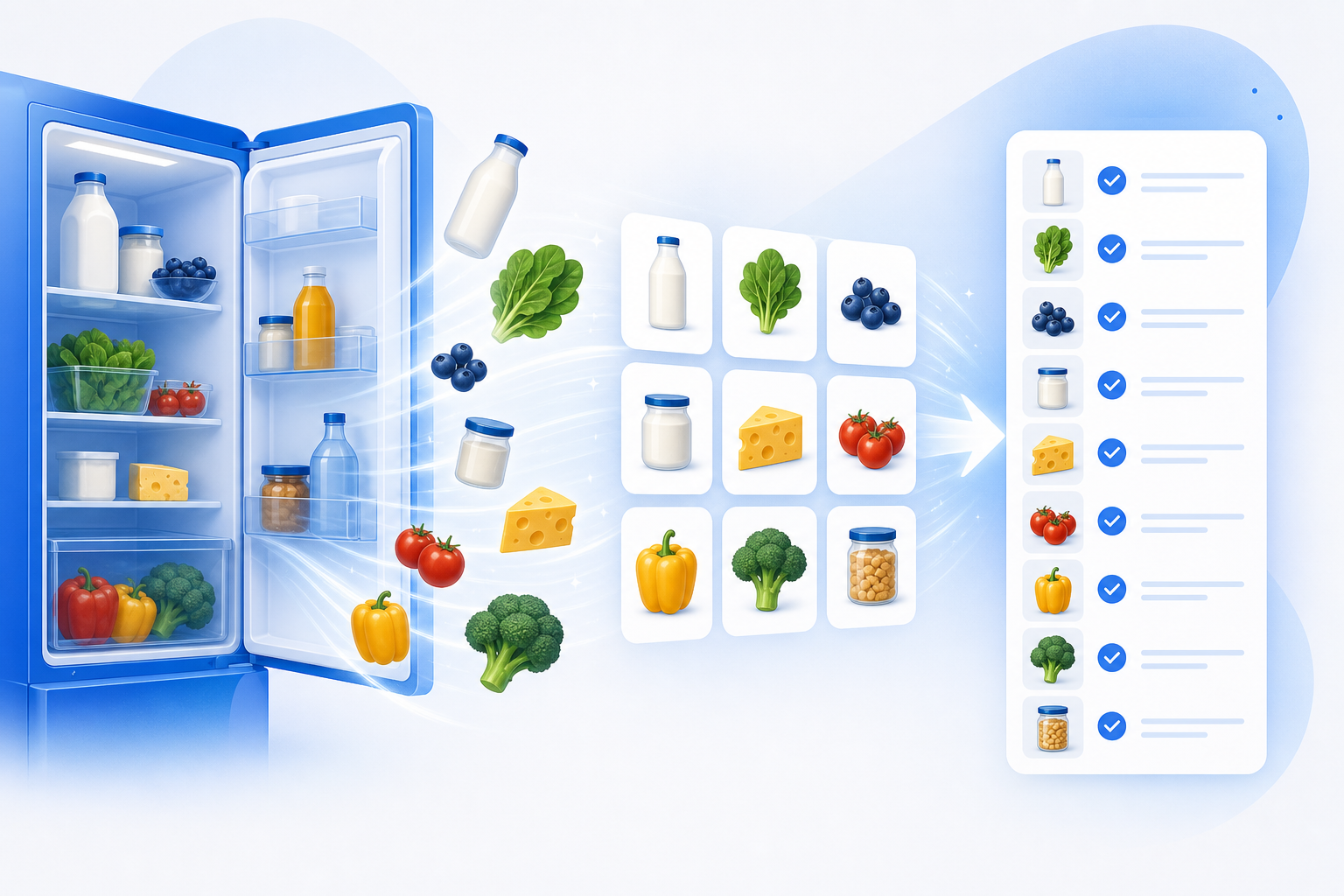
What if you just took a picture of your plate?
You don't build it — you describe it
Here's the shift. The old way of building a tracker meant deciding on columns, picking field types, wiring up a calories total, figuring out how to chart it, and setting realistic goals — all before you'd logged a single bite. That's an afternoon of setup standing between you and the thing you actually wanted.
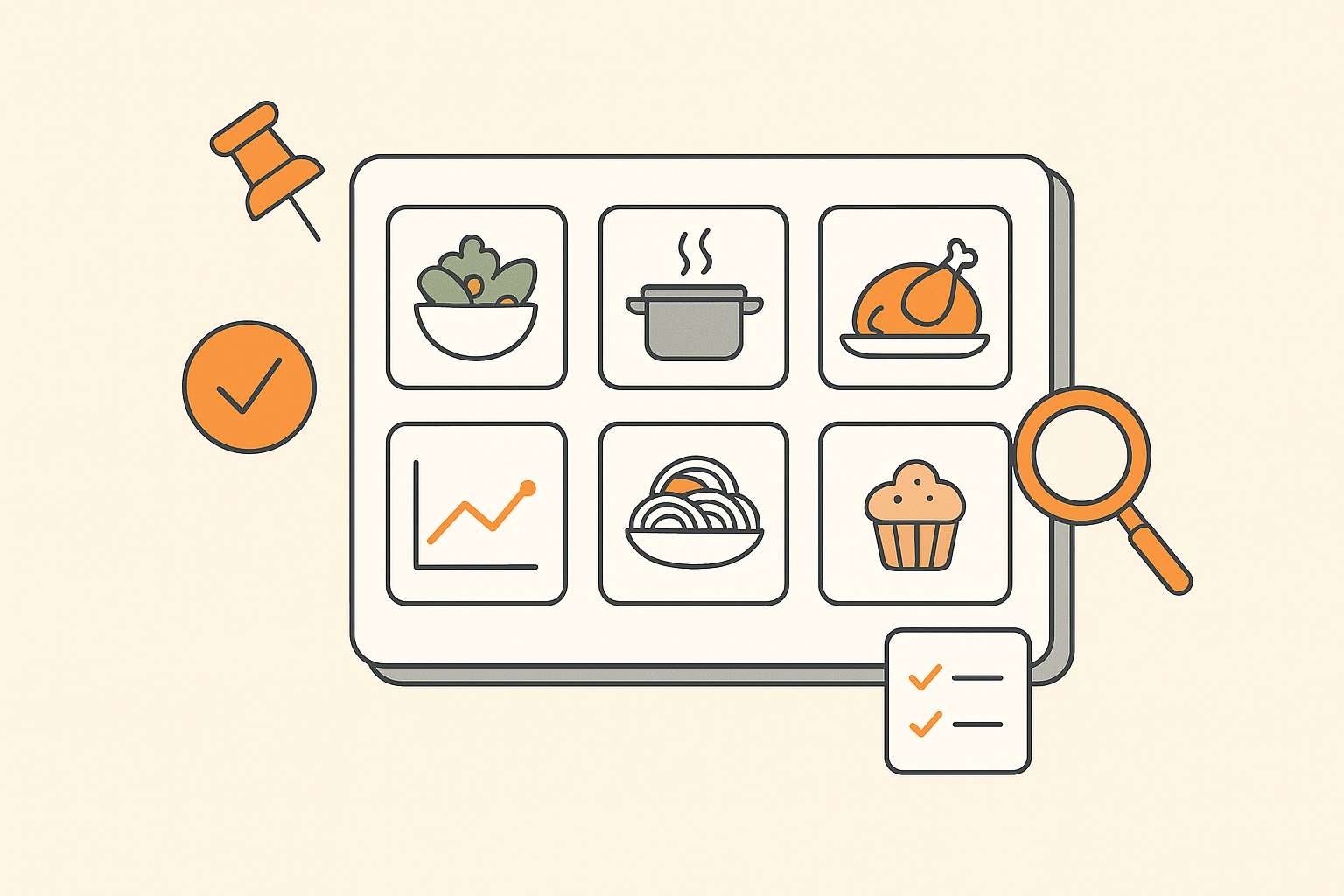
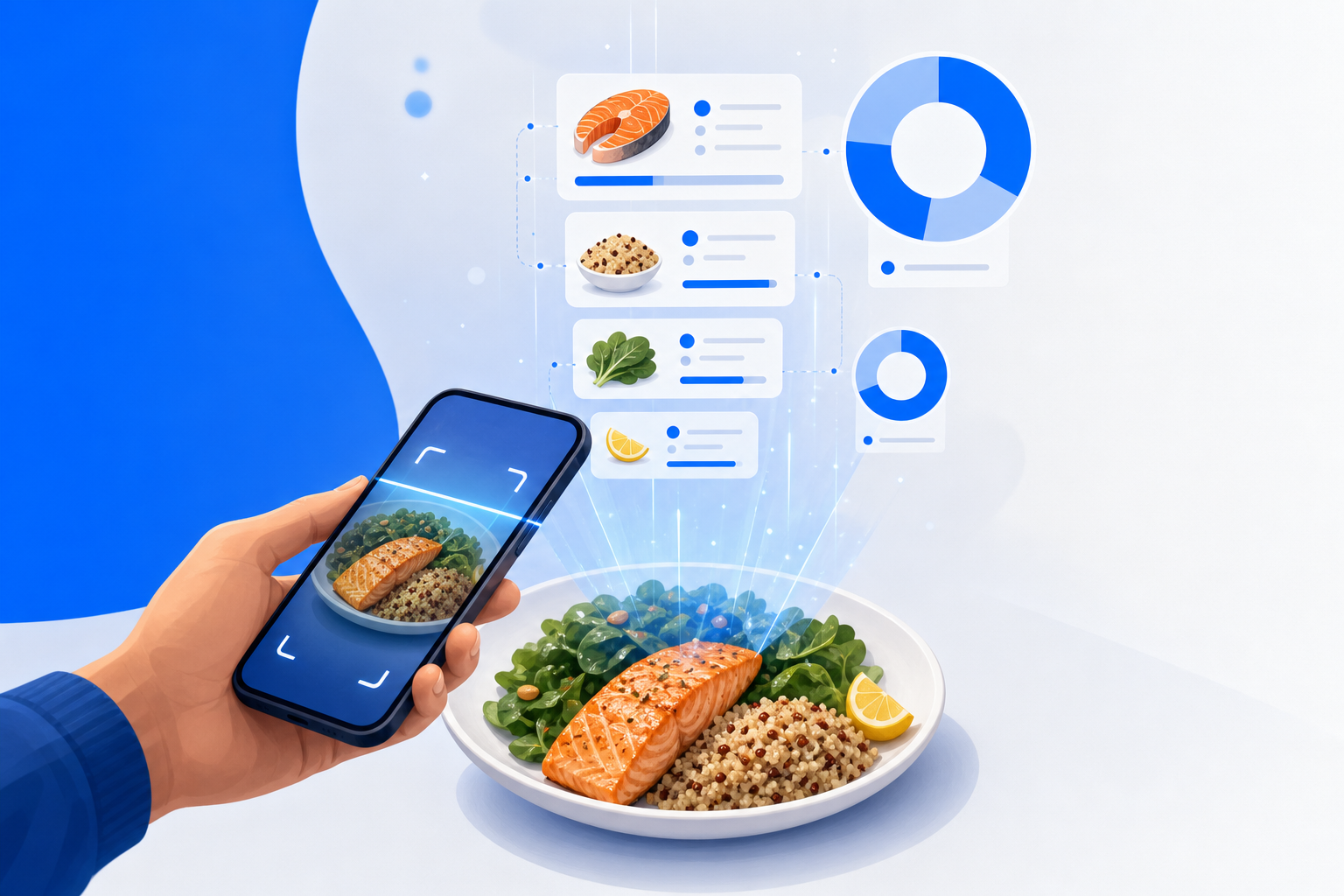
In Dotallio you skip all of it. You describe the tracker you want in plain language and Dotallio assembles it: the board with the right columns, sample rows, a dashboard, the goal math, and the charts. Then you feed it photos, and its vision OCR reads each meal and turns it into a structured row — food name, estimated calories, protein, carbs, fat — without you typing a number.
And everything it makes is a living, versionable artifact. The board, the dashboard, the doc with your weekly summary — you can edit any of it, roll it back, and reshape it just by asking.
Building your tracker in one session
Start with a sentence. You can install the prebuilt calorie-counter app template and tailor it on the spot, or describe it from scratch — same result.
Set up a calorie and nutrition tracker for me. I'm a 34-year-old man, 182 cm, 84 kg, and I want to lose about half a kilo a week. Make a board for my meals and a dashboard with daily and weekly calorie and macro goals.
Dotallio installs the calorie-counter app and configures it around your stats. You get a Meals board with columns like Date, Meal (breakfast / lunch / dinner / snack), Food, Calories, Protein, Carbs, Fat, and Photo — plus a Dashboard page seeded with a daily calorie target and protein, carb, and fat splits estimated from your height, weight, age, and goal. (These are AI estimates to guide you, not medical or dietary advice — treat them as a sensible starting point, not a prescription.)
Now the part that makes you actually keep going. Drag in a photo of dinner, or snap one from your phone, and say:
Here's my dinner. Add it to the meals board.
Dotallio's vision OCR looks at the plate, identifies what's on it — say grilled salmon, roasted potatoes, and a green salad — estimates the portion and the calories and macros for each, and writes a new row (or a few rows) to your board. No searching a food database, no scrolling brand variations. The photo becomes structured data.
You can do the same with a packaged snack by photographing the nutrition label, or clear a backlog at once:
Here are three photos from today — breakfast, lunch, and an afternoon snack. Log all of them with the right meal type and date.
Each photo lands as its own row, tagged to the correct meal and dated, calories and macros filled in.
Want the tracker to judge your choices, not just count them? Add an AI column:
Add a column that labels each meal "Whole foods," "Balanced," or "Treat" based on what it is, and a one-line note on why.
Dotallio adds an AI-filled column that reads each row and classifies it, with a short rationale — so your log stops being a wall of numbers and starts telling you something. That same salmon-and-salad dinner gets tagged "Whole foods," while the Friday-night pizza-and-soda row gets an honest "Treat."
Keeping the tracker honest over time
A tracker is only useful if it keeps up with you, and this one does — because every piece of it is live.
Running totals vs. goals, in Google Sheets syntax. Your dashboard math is just formulas you can read and tweak. A daily-calories cell uses something like SUMIF({Date}, TODAY(), {Calories}), and a "calories remaining" cell subtracts that from your target. Want to know how many of this week's meals were treats? COUNTIF({Label}, "Treat"). If your goal changes, you edit one number and the whole board recalculates.
Charts that update as you eat. Ask for the picture you want and Dotallio builds it as an artifact:
Add a chart showing my daily calories this week against my goal line, and a pie chart of my protein, carb, and fat split today.
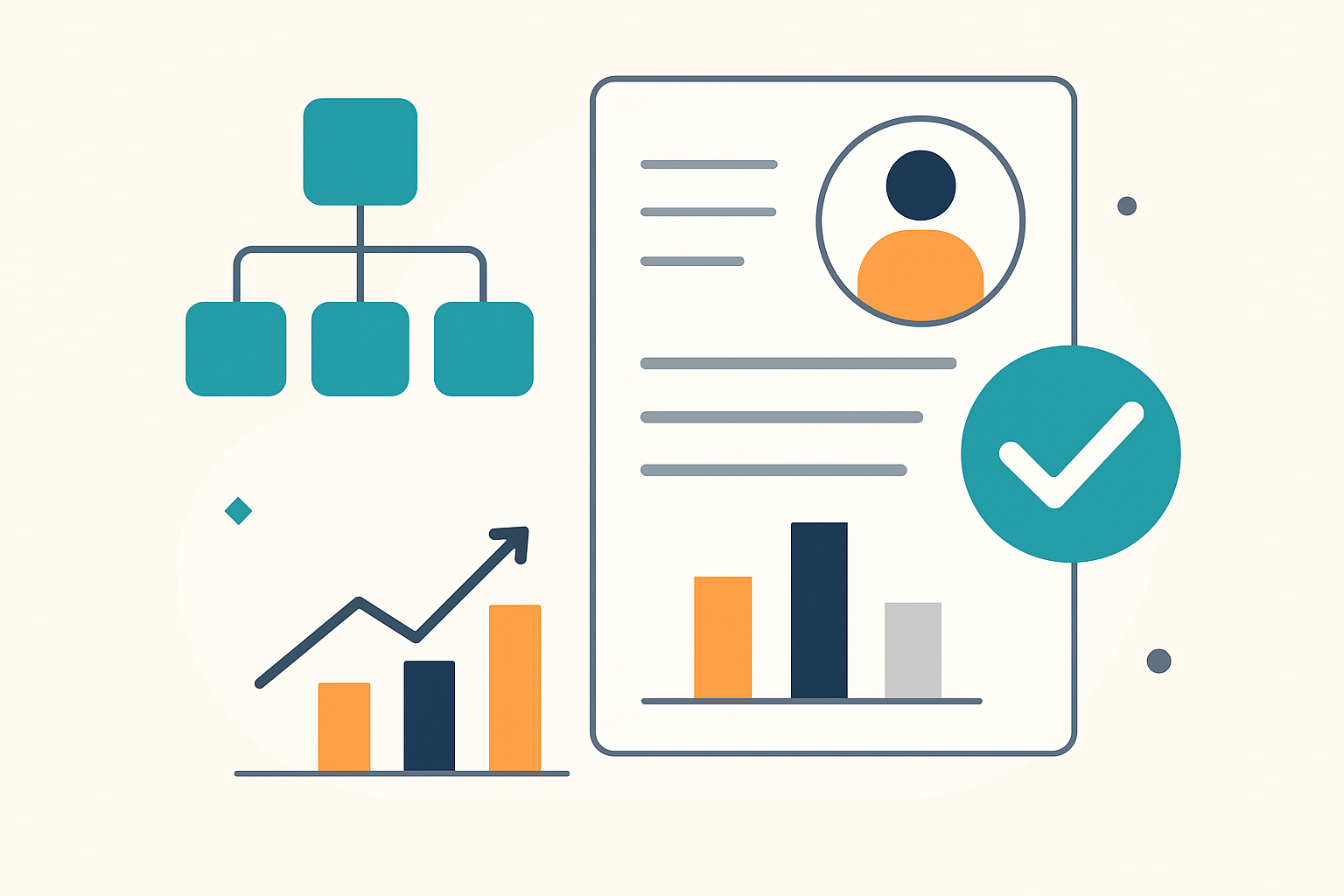
You get versioned charts on the dashboard that refresh with every new row — a bar-per-day view of calories versus target, and a macro breakdown pie. Because they're artifacts, you can restyle them, swap the metric, or roll back to an earlier version any time.
Smart Workflows for the heavier lifting. When you want more than counting, the AI can plan multi-step work and run it on demand or on a trigger. Fill a whole column in bulk — for example, enrich every meal with an estimated fiber and sugar figure across your last month of entries in one pass. Or wire a board event so that whenever a new meal is added, a workflow tags it healthy-vs-treat and updates your weekly note. It runs when you ask it to, when a button is pressed, or when a new row arrives — not silently in the background while you sleep, but exactly when there's something to do.
A weekly summary doc that writes itself. Ask for it and Dotallio drafts a doc that pulls straight from your board:
Write me a weekly nutrition summary doc — total calories vs. goal, average protein per day, how many treat meals, and one suggestion for next week.
It reads the Meals board, summarizes the week, and produces an editable doc you can keep, share with a coach via a workspace or public link, or rewrite with a tap.
A real week with it
Monday you photograph oatmeal and berries; it logs 310 calories, 9 g protein, tags it "Whole foods." Wednesday is a deadline day — you snap a burrito and a cola, and the row comes back "Treat," 940 calories, with a note that you're 200 over your lunch budget. You glance at the dashboard: the bar for Wednesday pokes above the goal line, and the macro pie is heavy on carbs. Friday you course-correct without guilt, because the data is right there and it took you ten seconds a meal to capture.
By Sunday you ask for the weekly summary doc, skim it in thirty seconds, and learn you averaged 118 g of protein a day and had three treat meals — one more than you wanted. Next week's target adjusts. You never opened a spreadsheet, never searched a food database, never typed a calorie count by hand.
Why this is better
- Photos, not data entry. Vision OCR turns a plate, a label, or a whiteboard menu into structured rows — the reason people quit logging disappears.
- Built from a sentence. Describe the tracker and your goals; Dotallio assembles the board, dashboard, goal math, and charts.
- AI that judges, not just counts. AI columns classify whole-foods vs. treats with a reason, so the log tells you something.
- Math you can read. Goals and running totals are Google Sheets formulas you can edit; charts update with every meal.
- Everything is a living artifact. Boards, dashboards, charts, and summary docs are versioned, editable, and shareable — roll back or reshape any of it by asking.
- Honest framing. Calorie and macro figures are AI estimates to guide your choices, not medical advice.
You bring the phone and the appetite. Dotallio brings the structure, the math, and the patience to keep it all current — and Dot will happily nudge you toward that extra gram of protein. Stop fighting a food database and start pointing your camera.