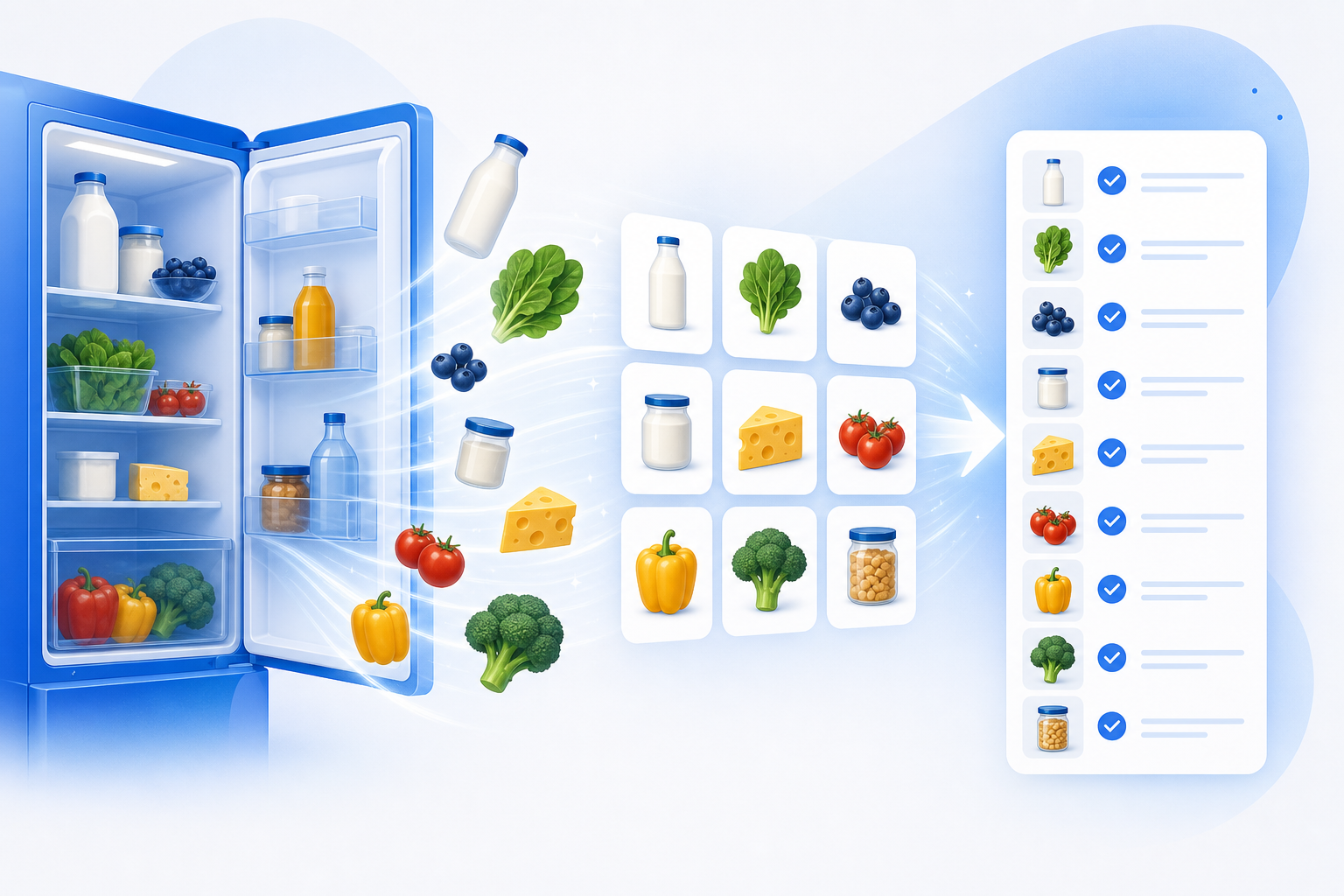
You open the fridge at 6pm, stare at it for a while, and close it again. There's half a cabbage, some eggs, a jar of something, and three condiments you bought for one recipe in 2023. You don't actually know what you have, so you order takeout. Again.
The "right" way to fix this is supposed to be a meal-planning app: type every item into a pantry inventory, tag each one, build a recipe list, cross-reference what you own against what each recipe needs, then assemble a shopping list. By the time you've finished the data entry, the cabbage has gone bad. Nobody does this twice.
The problem was never planning. It was the setup. So let's delete the setup.
You don't build it — you describe it
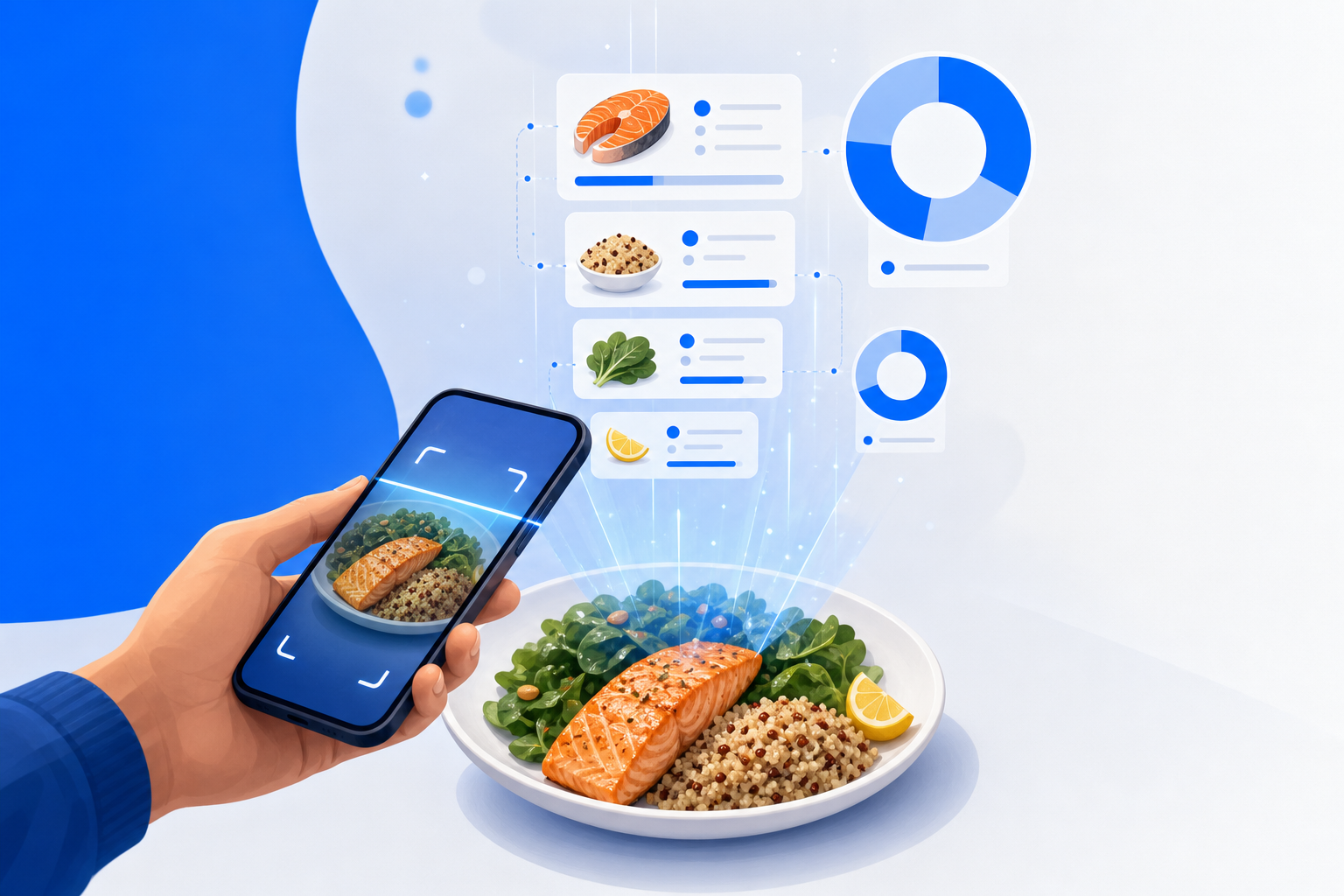
The new Dotallio is chat-first. You don't create a "Pantry" board, define columns, pick types, and hand-enter rows. You take a photo of the inside of your fridge and a photo of your pantry shelf, drop them into a chat, and say what you want. Dotallio reads the images, builds the board, fills in the rows, plans the week, and tells you exactly what to buy.
Everything it makes is a real, editable artifact — a board you can open, a meal plan you can rearrange, a shopping list you can check off — versioned so you can roll back if a regenerated plan isn't to your taste. Nothing is a throwaway answer in a chat bubble.
A real session, start to finish
Here's what the chat actually looks like. Snap two photos first — one of the open fridge, one of the pantry — and attach them.
Here are photos of my fridge and pantry. Catalog everything you can see into a board called "What I Have." Include the item name, a rough category (produce, dairy, protein, grains, condiment), an estimated quantity, and a guess at how soon it'll go bad.
Dotallio runs vision OCR on both images. It reads the labels it can read, recognizes the produce it can see, and turns the pile into structured rows. Within a few seconds you have a What I Have board:
| Item | Category | Est. Qty | Use By |
|---|---|---|---|
| Eggs | Protein | 8 | ~2 weeks |
| Green cabbage | Produce | 1/2 head | ~5 days |
| Greek yogurt | Dairy | 1 tub | ~1 week |
| Brown rice | Grains | ~2 cups | months |
| Soy sauce | Condiment | 1 bottle | months |
| Chicken thighs | Protein | ~6 | ~3 days |
It won't be perfect — a photo can't see behind the milk carton — so the board is fully editable. Fix a quantity, delete the mystery jar, add the onions that were off-frame. It's your data now, not a locked-in guess.
Next, ask for product images so the board is scannable at a glance instead of a wall of text:
Add a thumbnail image to each row showing the product.
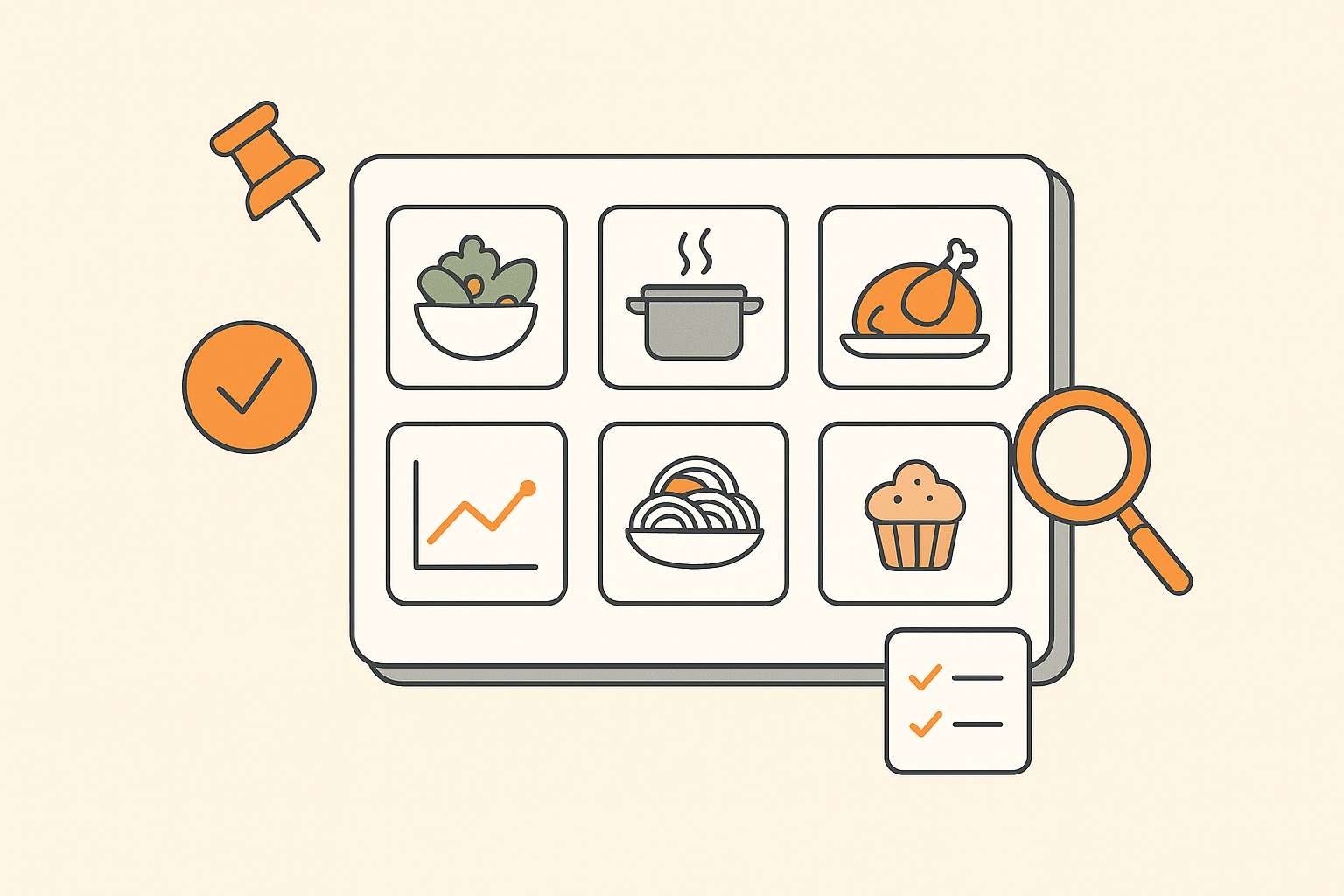
Dotallio fills an image column — generating a clean product-style image for each item or finding a representative one — so the board reads like a little grocery shelf. Cabbage looks like cabbage. The mystery jar finally has a face.
Now the part that actually saves your evening:
Plan 5 dinners for this week using mostly what's already in "What I Have." Make a "This Week's Meals" board, and for each meal list the ingredients it needs. Link each meal to the pantry items it uses.
Dotallio creates a second board, This Week's Meals, and uses linked records to connect each meal back to the pantry rows it draws from. The AI proposes recipes biased toward what you already own — cabbage-and-egg fried rice, yogurt-marinated chicken thighs — so the half-cabbage gets used before it turns.
| Meal | Uses (linked) | Missing |
|---|---|---|
| Cabbage fried rice | Cabbage, eggs, rice, soy sauce | scallions |
| Yogurt-marinated chicken | Chicken thighs, Greek yogurt | lemon, garlic |
| Veggie grain bowl | Brown rice | chickpeas, tahini |
Because the meals board is linked to the pantry board, the two aren't separate lists you have to keep in sync by hand. Change a meal, and the connections follow.
Turning the plan into a shopping list
You don't want to eyeball that "Missing" column across five rows. So you let a Smart Workflow do the diff:
Compare every ingredient my planned meals need against what's in "What I Have," and make a "Shopping List" board with only the items I'm missing. Group them by aisle.
At the higher "smart" levels, Dotallio plans this as multi-step work: read the meals board, read the pantry board, subtract one from the other, and write the remainder to a new Shopping List board grouped by aisle — produce together, pantry staples together, so you're not zig-zagging the store. Only what's actually missing shows up. The cabbage you already own never lands on the list.
This is the honest shape of automation in Dotallio: it runs on demand when you ask, or you can wire it to a button so "Rebuild my shopping list" is one click after you tweak the meal plan. It can also fire on a board event or an incoming webhook. It does not run silently on a schedule while you sleep — you trigger it, it runs, you get the artifact.
Keeping it alive week after week
The first photo-to-list run is the wow. The reason you keep using it is that nothing went stale.
- Re-shoot anytime. New fridge photo next week, same prompt: "Update 'What I Have' from this photo." The board refreshes; the meal plan and shopping list are one re-run away.
- AI-filled columns can enrich rows without you typing — add a "Rough calories" or "Cuisine" column and let the AI populate it across every meal at once.
- Web research is available when a recipe needs grounding — "find a quick 20-minute version of the chicken recipe and add the steps to the meal's notes."
- Versioned artifacts mean a meal plan you liked last month is still there. Roll back, duplicate it, tweak it. You're never starting from a blank board.
It compounds. Your pantry board becomes the single source of truth, and every downstream artifact — meals, shopping list, even a printable PDF of the week's plan — regenerates from it.
The Sunday-night payoff
It's Sunday. You photograph the fridge and pantry, attach both, and type one sentence asking for the week's plan and a shopping list. Two minutes later you've got five dinners built around the chicken that expires Wednesday, a grouped shopping list of the eleven things you're actually missing, and a meals board you can drag to reorder when Thursday turns into leftovers.
You didn't enter a single item by hand. You didn't cross-reference anything. You took two photos and described the outcome. Dot did the rest — and if the plan doesn't suit you, you change a line and re-run.
Why this is better
- No setup tax. A photo becomes a structured board. You never build columns or hand-type inventory.
- It uses what you have. Meals are planned around your real shelf, so food gets eaten instead of tossed.
- The list is only what's missing. A workflow diffs meals against pantry, so you don't re-buy the cabbage.
- Everything's linked and live. Pantry, meals, and shopping list stay connected — change one, the rest follow.
- It's all editable and versioned. Fix a guess, roll back a plan, reuse last month's menu.
- You trigger it, you trust it. Automation runs on demand or on a click — no black-box jobs you can't see.
The fridge stare-down was never about willpower. It was about not knowing what you had and dreading the data entry. Take the photo, describe the dinner, and let Dotallio assemble the board, the plan, and the list — then keep them alive all week.